 Reglyph
Translate English PDFs & documents to Korean
scanned or digital — without breaking the layout
Multinationals with Korean offices need English HR policies, codes of conduct and training decks in Korean, and foreign residents in Korea are regularly asked for Korean versions of English documents when dealing with immigration or banks. Reglyph translates the scanned or digital English PDF and re-typesets the Korean text into the original layout, so a policy handbook's headings, tables and page numbering survive the translation.
Typesetting Korean into an English layout
Hangul has its own spacing and line-breaking rules: words are separated by spaces, but lines conventionally break at syllable-block boundaries rather than wherever a character happens to fall, and getting that wrong makes a document look machine-made at a glance. Reglyph rebuilds the page and lays the Korean text back into the original blocks with proper breaking, so forms, org charts and tables keep their structure.
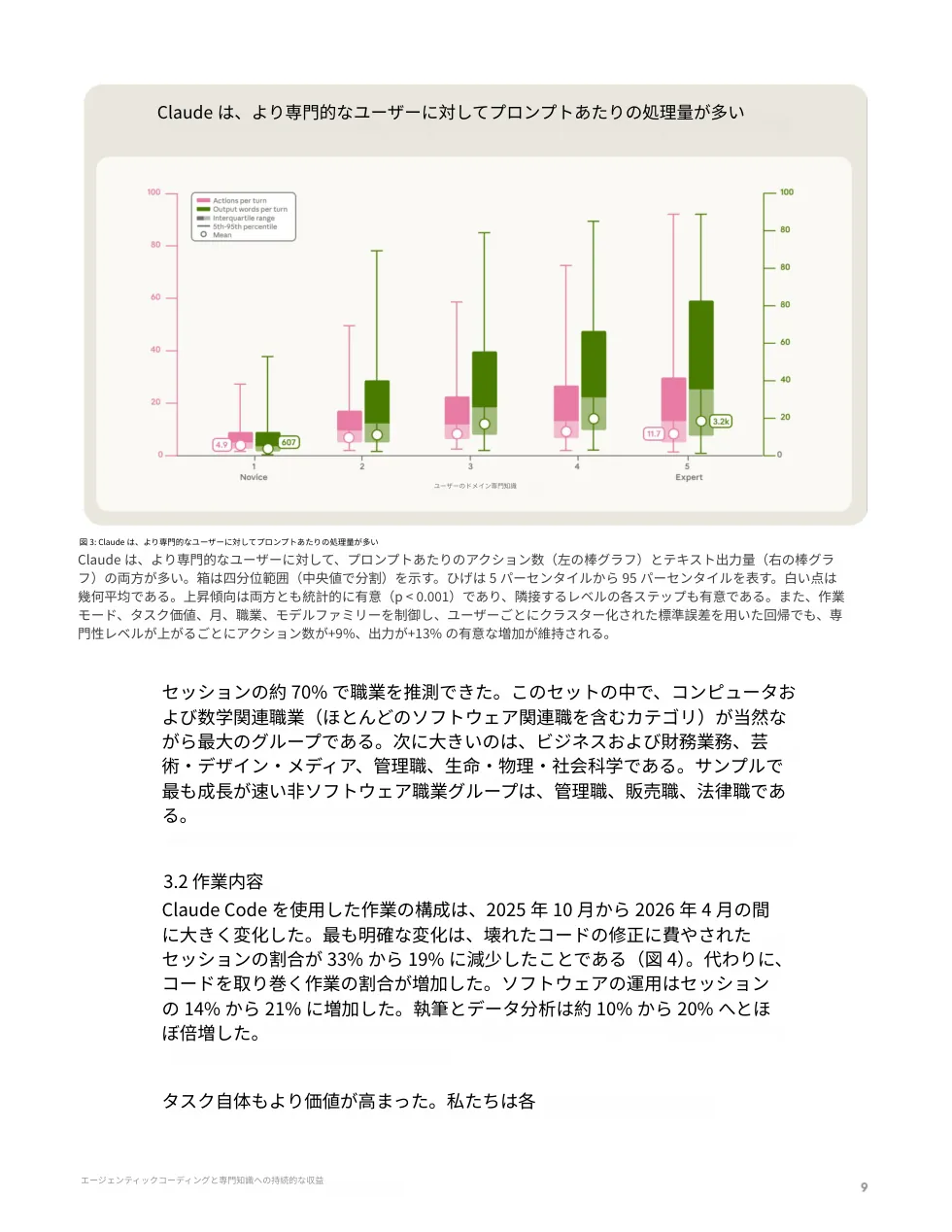
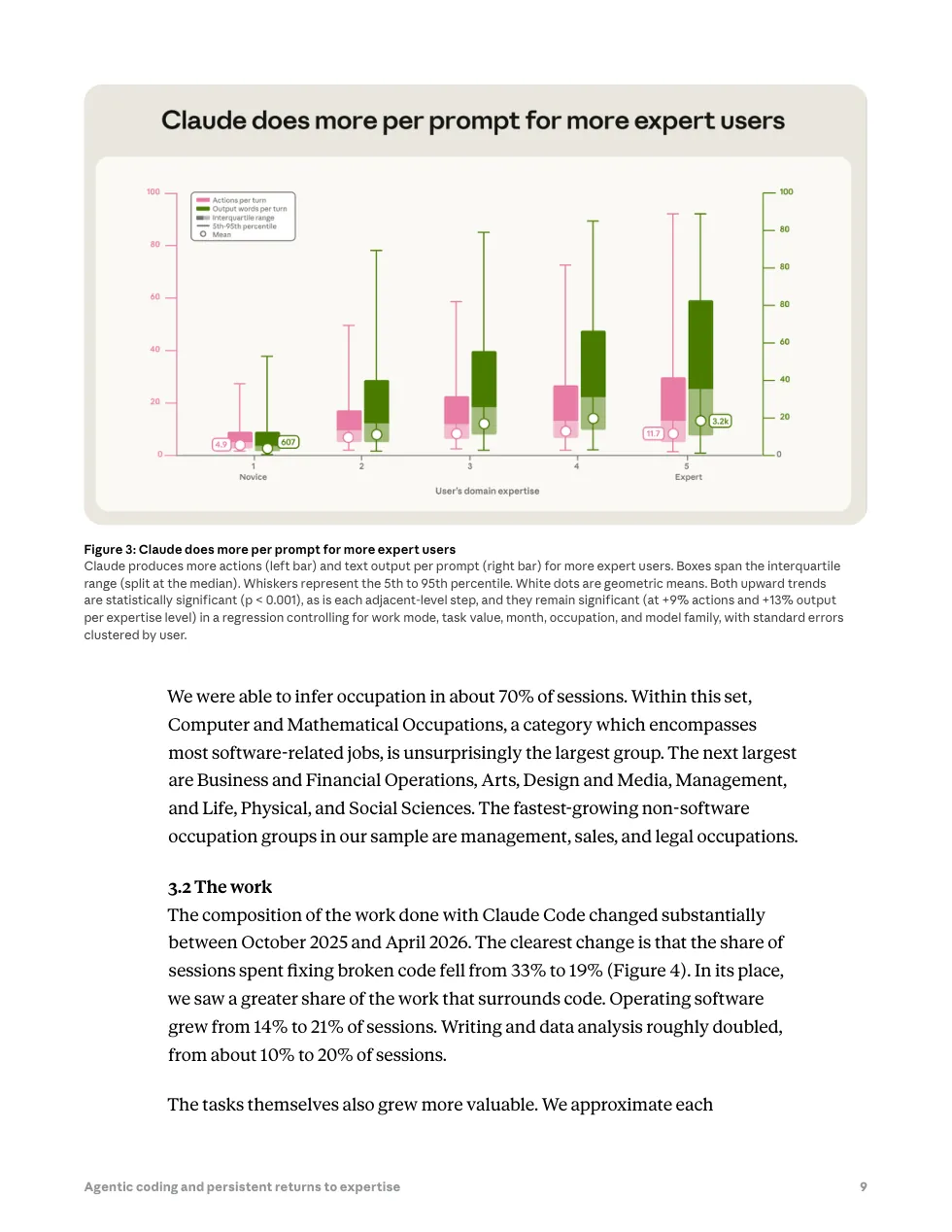
Drag to compare — every table, figure, and number stays in place.
Common scanned English documents we translate
These are the English-language documents people most often translate to Korean — each keeps its original layout, seals, and tables.
How to translate a scanned English document
Drop in a scanned English PDF, a digital PDF, or a photo of the page. Image-only files are fine — no text layer needed.
OCR extracts the English text, then it's translated to Korean while the original text is erased from the page.
Get a clean PDF where tables, figures, stamps, and numbers sit exactly where they were.
English → Korean — frequently asked
How do I translate an English employee handbook to Korean and keep the formatting?
Upload the PDF and Reglyph translates it while preserving the layout: the English text is erased from each page and the Korean is typeset back in place, so headings, tables and numbered sections stay put. You get 5 free pages a day, with no credit card required.
Will Korean immigration accept a machine-translated document?
For official submissions, Korean authorities generally want a translation someone certifies, so a machine translation alone is usually not enough. Reglyph gets the translated document and its layout right first; a certified translator can then review and sign the certification much faster than translating from scratch.
Can I get the English and Korean side by side in one file?
Yes — Reglyph offers a bilingual export that puts the original page and the translated page side by side in a single PDF. That format is handy when a Korean HR team or reviewer needs to compare the translation against the English source.
Choose your plan
Simple, scan-friendly pricing. Pages are pages — no multiplier for scanned files.
$0.30 a page, from 10 pages — you pay for exactly 10 pages.
- $0.30 / page — buy exactly what you need
- Pages never expire
- Up to 100 MB per file
- $0.09 / page
- 100 pages every month
- Up to 100 MB per file
- Pages reset each month
- $0.06 / page
- 500 pages every month
- Unused pages roll over (up to 1,500)
- Up to 100 MB per file
Translate scanned PDFs in other languages
Guides on translating scanned documents
Vision models genuinely read scans now. The question isn't whether ChatGPT can translate your PDF — it's whether a chat reply is actually what you need back.
Read guideCamera-translate apps are great for reading a page on the spot, but they don't give you a file — here's how to get an actual translated PDF from your phone.
Read guideRandom symbols, blank pages, or 'PDF tools are temporarily offline' — the cause is almost always the same one thing, and it's fixable.
Read guide