Book Translation
Translate a scanned book part by part. Chapter openings, footnotes and page numbers stay where the author put them.
Translating something else? Browse every document type — certificates, records, statements and transcripts.
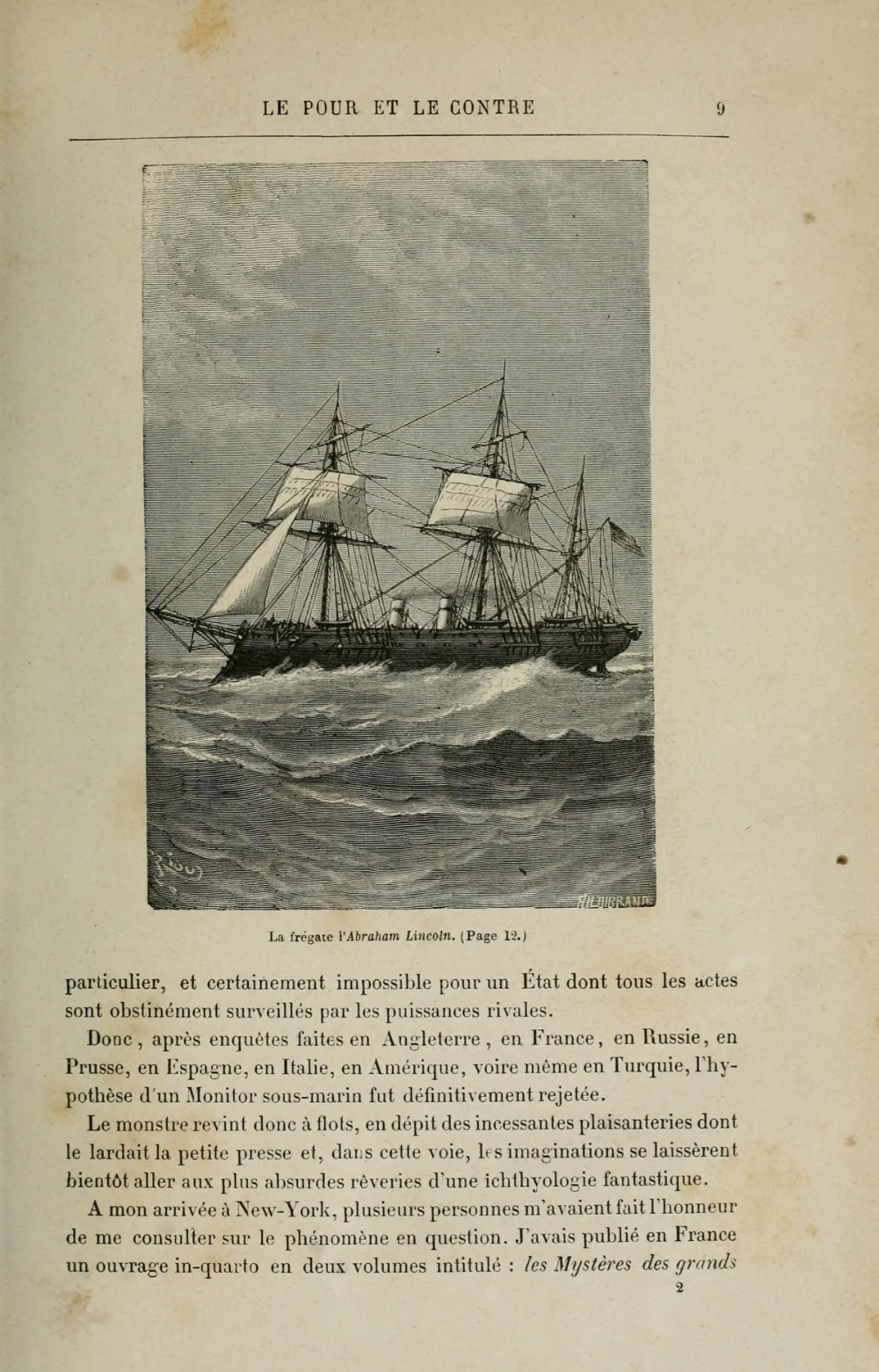
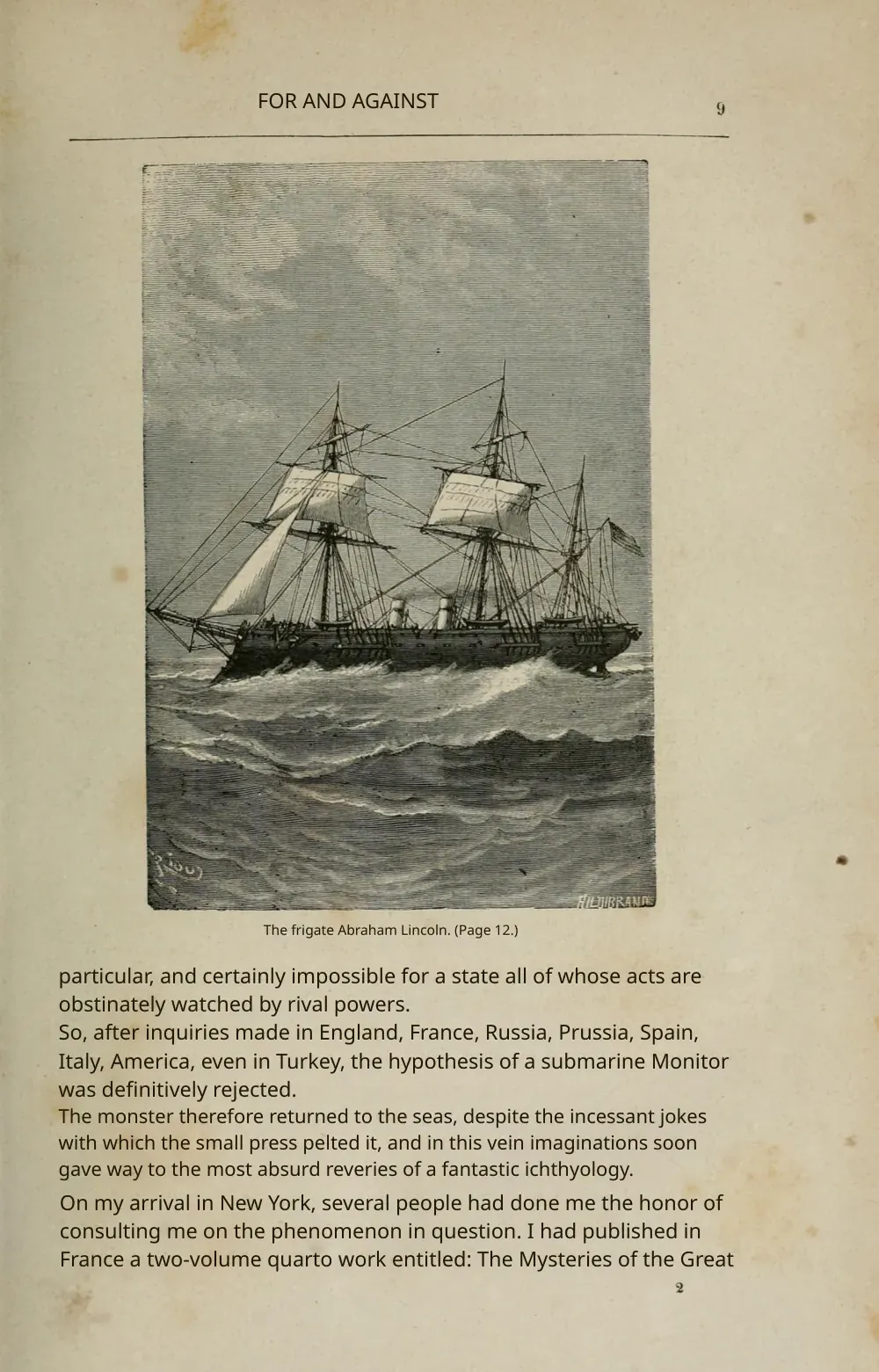
Most books people want translated will never get a published translation: a grandparent's memoir, an out-of-print monograph, a local history, a technical book that never came out in their language. What they need is a translation they can read against the original, page by page, with the chapter openings, footnotes and illustrations where they were. Reglyph translates scanned pages and digital PDFs in place, so each translated page still looks like the page it came from.
A word on rights
Under the Berne Convention, an author's rights include making a translation, not just publishing one, and US law treats a translation as a derivative work. Your own writing, your family's papers and public-domain books are yours to translate. For a book still in copyright, sharing or publishing a translation needs the rights holder's permission, and even a private translation has no blanket exception: in the US it is a fair-use question, decided case by case. This is background, not legal advice.
Who needs books & manuscripts translated
The situations people most often bring books & manuscripts to us for — each one keeps the original layout, seals and tables.
- Family memoirs, letters and self-published histories
- Public-domain and out-of-print books
- Researchers reading a foreign monograph
- Authors checking a draft of their own book in another language
- Publishers reading a title before deciding on rights
How to handle a whole book
Each upload takes up to 50 pages and 100 MB, so a 300-page book goes in six parts. Split at chapter breaks so no chapter straddles two files; macOS Preview, pdftk and most online PDF splitters do it in seconds. In recent jobs a 40–50-page part came back in about 10 to 25 minutes. Translate the first chapter, read it, then run the rest.
Finding a book you're free to translate
Public domain is the simplest case, and the cut-off dates are more recent than many people think:
- United States: as of 1 January 2026, works published before 1931 are in the public domain, and so are works published from 1931 to 1963 whose copyright was never renewed.
- European Union: copyright runs for the author's life plus 70 years, counted from the 1 January after their death. Books by authors who died in 1955 or earlier are free in 2026.
- An old translation is a separate work. A 1950s English version of a 19th-century novel can still be in copyright even though the novel isn't, so translate from the original.
Public-domain scans are easy to find. The Internet Archive lets you download unrestricted books as PDFs; Google Books offers a Download PDF option on its free, public-domain titles; the Biodiversity Heritage Library holds more than 64 million pages of natural-history literature. The page shown above is from an 1871 French edition of Jules Verne, scanned by the Internet Archive.
Scanning a book yourself
- Scan at 300 dpi. For small print, 9 point or less (footnotes, indexes, old pocket editions), go to 400–600 dpi; higher than 600 adds little.
- One book page per image. If you photographed or scanned facing pages together, split them into single pages first.
- Press the book flat. Text that curves into the spine is the hardest part of any book scan to read.
- Crop dark borders. Black edges around a scan can be mistaken for characters.
- Blackletter (Fraktur) and other old typefaces are hard for any OCR. Translate one page first to see how your edition reads.
What happens to each part of a book page
| On the page | In the translated PDF |
|---|---|
| Body text | Translated and set back inside the same text block. |
| Chapter titles and running heads | Translated in place. |
| Footnotes | Translated at the foot of the same page. |
| Page numbers | Kept as they are, so the translation lines up with the original. |
| Illustrations and engravings | Untouched. |
| Captions | Translated beside their illustration. |
| Handwritten notes in the margins | Kept as written, not translated. |
You can also download a side-by-side PDF with each original page next to its translation, which is the easiest way to read a translated book with the original at hand.
Book Translation — frequently asked
Can I translate a whole book in one upload?
Not in one: each upload takes up to 50 pages and 100 MB. Split the book at chapter breaks and translate the parts. Each part keeps the original layout and page numbers, so the parts read in order.
Is it legal to translate a book for personal use?
The Berne Convention gives authors the right to make and authorize translations, and US law treats a translation as a derivative work; neither has a blanket personal-use exception. In the US, private noncommercial use is weighed case by case under fair use. Sharing or publishing a translation of a book still in copyright needs the rights holder's permission.
Which books are in the public domain?
In the US, as of 2026, books published before 1931, plus those from 1931 to 1963 whose copyright wasn't renewed. In the EU, books whose author died 70 or more full years ago, which in 2026 means 1955 or earlier.
Is an old translation of a public-domain book also free?
Not necessarily. A translation has its own copyright, separate from the original's, so translate from the original text if the old translation is still protected.
What resolution should I scan a book at?
300 dpi for normal print, 400–600 dpi for type of 9 points or smaller. Scan or split facing pages into single pages before uploading.
Are footnotes and captions preserved?
Yes. Footnotes stay at the foot of their page, captions stay with their illustrations, and chapter headings keep their place, so the translated book still reads like the book.
Can Google Translate translate a scanned book PDF?
Google's document upload takes files up to 10 MB and 300 pages, and its help page says text in images and scanned PDF pages isn't translated. A scanned book needs OCR first, which a scanned-PDF translator does for you.
How does this compare to a book translation service?
A literary translator produces a translation fit to publish, and a published edition needs one. Reglyph gives you a complete reading translation in the book's own layout, for reading the book yourself or deciding whether it's worth commissioning.
Choose your plan
Simple, scan-friendly pricing. Pages are pages — no multiplier for scanned files.
Pay-as-you-go
Translate a few pages. No commitment.
$0.30 a page, from 10 pages — you pay for exactly 10 pages.
- Pages never expire
- Up to 100 MB per file
Lite
Most popularFor individuals with scans to translate every month.
- $0.09 / page
- 100 pages every month
- 5 bonus pages, refreshed daily
- Up to 100 MB per file
- Pages reset each month
Pro
For high-volume users with scans to translate every week.
- $0.06 / page
- 500 pages every month
- 5 bonus pages, refreshed daily
- Unused pages roll over (up to 1,500)
- Up to 100 MB per file
Books & manuscripts in other languages
Related guides
How to Translate a Large PDF (Without It Falling Apart)
File-size caps, silent timeouts, and layouts that fall apart at scale — why large documents defeat most translation tools, and a workflow that holds up.
Read guideHow to OCR a PDF Before Translating (and When to Skip It)
OCR is only necessary when your PDF has no text layer — here's the ten-second check, the free tools, and what OCR-then-translate still won't do for you.
Read guide